Zero-Touch Onboarding: Automating the IT Onboarding Process
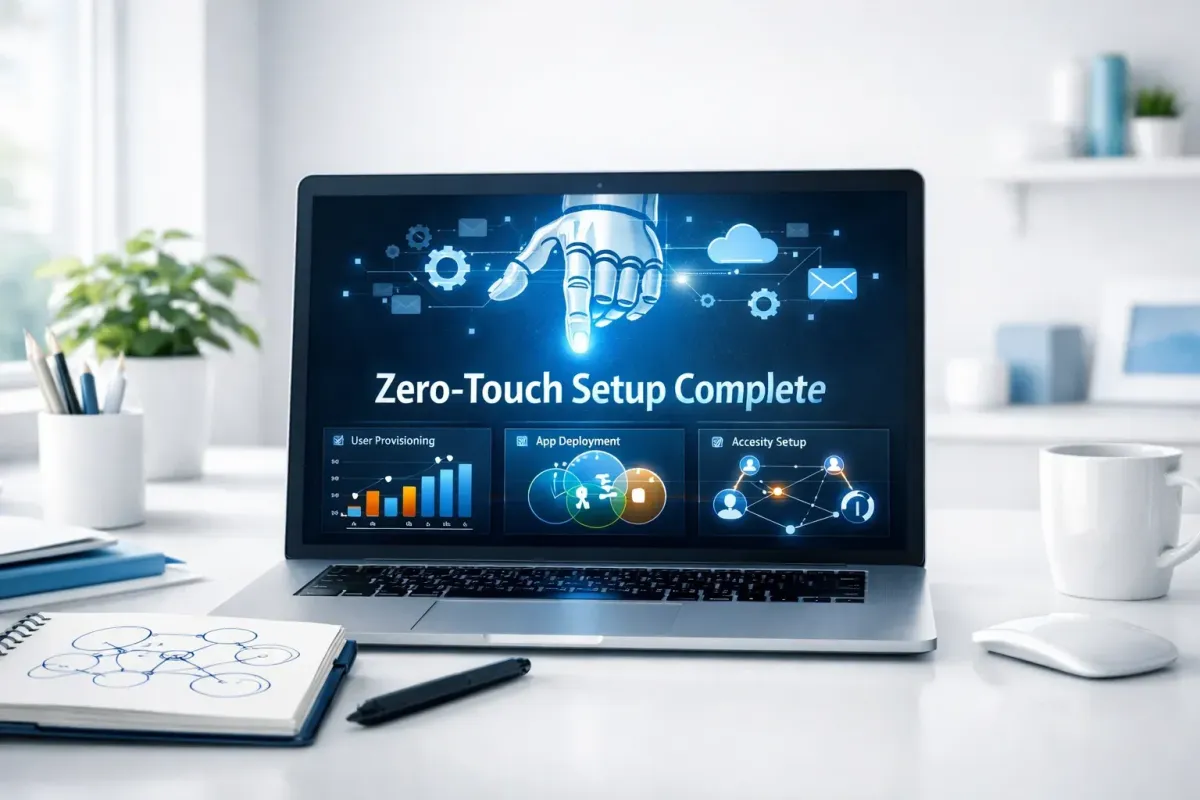
Zero-touch onboarding is an automated process that sets up a new employee’s accounts, tools, and security access without manual IT involvement.
It allows an organization to transform a remote hire’s device into a secure, enterprise-ready workstation in minutes, leveraging cloud-based automation and remote provisioning.
For example, a marketing agency hiring a remote designer in Syria can use IT onboarding automation to automatically grant access to Adobe Creative Cloud, secure the device with corporate VPNs, and sync all internal communication tools like Slack—the moment the designer logs in for the first time.
While Virtual Onboarding focuses on the human and cultural integration of a new hire, Zero-Touch Onboarding is strictly about the automated onboarding process of the technical infrastructure.
In complex regions like the Middle East, where physical logistics fail, this technical automation is the only way to ensure Day 1 productivity.
Table of Content
Who Needs Zero-Touch IT Onboarding Automation?
The Core Benefits of an Automated Onboarding Process
How Zero-Touch Provisioning Works: The Infrastructure Behind the Scenes
1. Automated Identity & Access Provisioning
2. Device Health & Security Hardening
3. Software Deployment & Virtual Workspace
Comparison: Manual IT Setup vs. IT Onboarding Automation
The IT Onboarding Automation Checklist
Solving the MENA Infrastructure Gap
Business Continuity in Complex Regions
IP Protection Through Automation
FAQ: Understanding Employee Onboarding Automation
Who Needs Zero-Touch IT Onboarding Automation?
As companies shift toward distributed models, the traditional "manual setup" becomes a growth bottleneck. You need to automate your IT onboarding if you are:
Startups Hiring Remotely: Where speed is a competitive advantage and you cannot afford 3-day technical delays.
Distributed Teams in Complex Regions: When shipping hardware to countries like Syria, Lebanon, or Turkey is logistically impossible or cost-prohibitive.
Enterprises Scaling Globally: When the IT department is overwhelmed by the volume of new identity and access requests.
Security-Conscious Organizations: That require a Zero-Trust environment where no device is granted access until it is automatically verified.
The Core Benefits of an Automated Onboarding Process
Transitioning from manual to automated IT onboarding provides more than just speed; it redefines your Technical ROI.
Immediate Performance Readiness: According to industry benchmarks, automated provisioning can reduce the time-to-productivity by up to 70%. Instead of waiting for an IT ticket, the employee is "Work-Ready" in minutes.
Elimination of Human Error: Manual setups are prone to configuration drifts. Automation ensures every professional receives the exact same security patches and software versions.
Reduced IT Overhead: One IT manager can manage the onboarding of hundreds of global hires when the system handles the access provisioning automatically.
How Zero-Touch Provisioning Works: The Infrastructure Behind the Scenes
To achieve a "Zero-Touch" experience, especially in a Managed BYOD (Bring Your Own Device) environment like Remotya’s, the system follows a scripted logic:
1. Automated Identity & Access Provisioning
The moment a contract is finalized, the system triggers the creation of a "Digital Identity." This identity is mapped to the hire's specific role, automatically syncing permissions across the company’s SaaS stack—from GitHub for developers to HubSpot for sales.
2. Device Health & Security Hardening
Before the professional accesses sensitive data, the automation agent performs a "Silent Audit." It verifies disk encryption, checks for OS vulnerabilities, and installs Multi-Factor Authentication (MFA). If the device fails the compliance check, access is restricted—this is the core of Zero-Trust Onboarding.
3. Software Deployment & Virtual Workspace
Instead of manual installs, we use automated scripts to deploy the professional stack. We focus on Virtual Containerization, ensuring that corporate data remains encrypted and isolated from the employee’s personal files.
Comparison: Manual IT Setup vs. IT Onboarding Automation
Why is automation the only scalable path for global teams?
The IT Onboarding Automation Checklist
For technical leads looking to implement this framework, ensure your automation covers these five pillars:
[ ] Directory Sync: Real-time integration between HR systems and the Identity Provider (IdP).
[ ] Role-Based Access Control (RBAC): Pre-defined permission sets for every department.
[ ] Security Baseline: Mandatory encryption and MFA deployment scripts.
[ ] Managed BYOD Policy: Software-defined boundaries between personal and corporate data.
[ ] Predictive Auditing: Automated logs for compliance and security forensics.
Solving the MENA Infrastructure Gap
The Middle East presents unique operational challenges—intermittent power in Lebanon, varied internet speeds, and strict regional logistics. Global tools often assume a "perfect" environment.
Business Continuity in Complex Regions
At Remotya, our zero-touch protocol includes Operational Auditing. We don't just automate the software; our system verifies the hire’s technical resilience. We automate the check for power redundancy (UPS) and secondary internet nodes. In a region where downtime is a real risk, we automate the "Plan B."
IP Protection Through Automation
When hiring in high-growth but high-risk regions, protecting your Intellectual Property (IP) is paramount. Automation removes the risk of "forgotten" permissions. When a professional leaves, the offboarding automation is just as instant as the onboarding—revoking all access in one click.

FAQ: Understanding Employee Onboarding Automation
Does zero-touch onboarding require us to ship company laptops?
No. In Remotya’s model, we use Managed BYOD. We automate the setup of the professional's existing device, creating a secure, encrypted workspace that meets enterprise standards without the logistical nightmare of international shipping.
Is an automated onboarding process more expensive?
Initially, it requires a setup phase, but the Technical ROI is clear: you eliminate the cost of downtime and the need for a large, reactive IT support team. It is a transition from "fixing problems" to "preventing them."
How does this differ from HR onboarding?
HR onboarding is about culture and training. IT onboarding automation is about the infrastructure. Think of it this way: HR gives them the "Welcome Book," and Zero-Touch gives them the "Keys to the Building."
Conclusion: Scalability Requires a Technical Backbone
The era of manual remote support is over. For companies that want to scale fast and secure their global assets, Zero-Touch Onboarding is a strategic necessity. By automating the technical layer, you free your leadership to focus on growth and innovation.
At Remotya, we provide the Technical Backbone that makes borderless hiring possible. We solve the infrastructure, the security, and the logistics, so you can focus on the talent.
Automate Your Remote Infrastructure Today
Scale with Zero Friction: Stop wasting weeks on remote IT setup. Deploy a secure, productive, and fully automated remote team in the Middle East with Remotya’s Zero-Touch framework.
[Consult with our Infrastructure Experts] to de-risk your remote operations and maximize your Technical ROI.