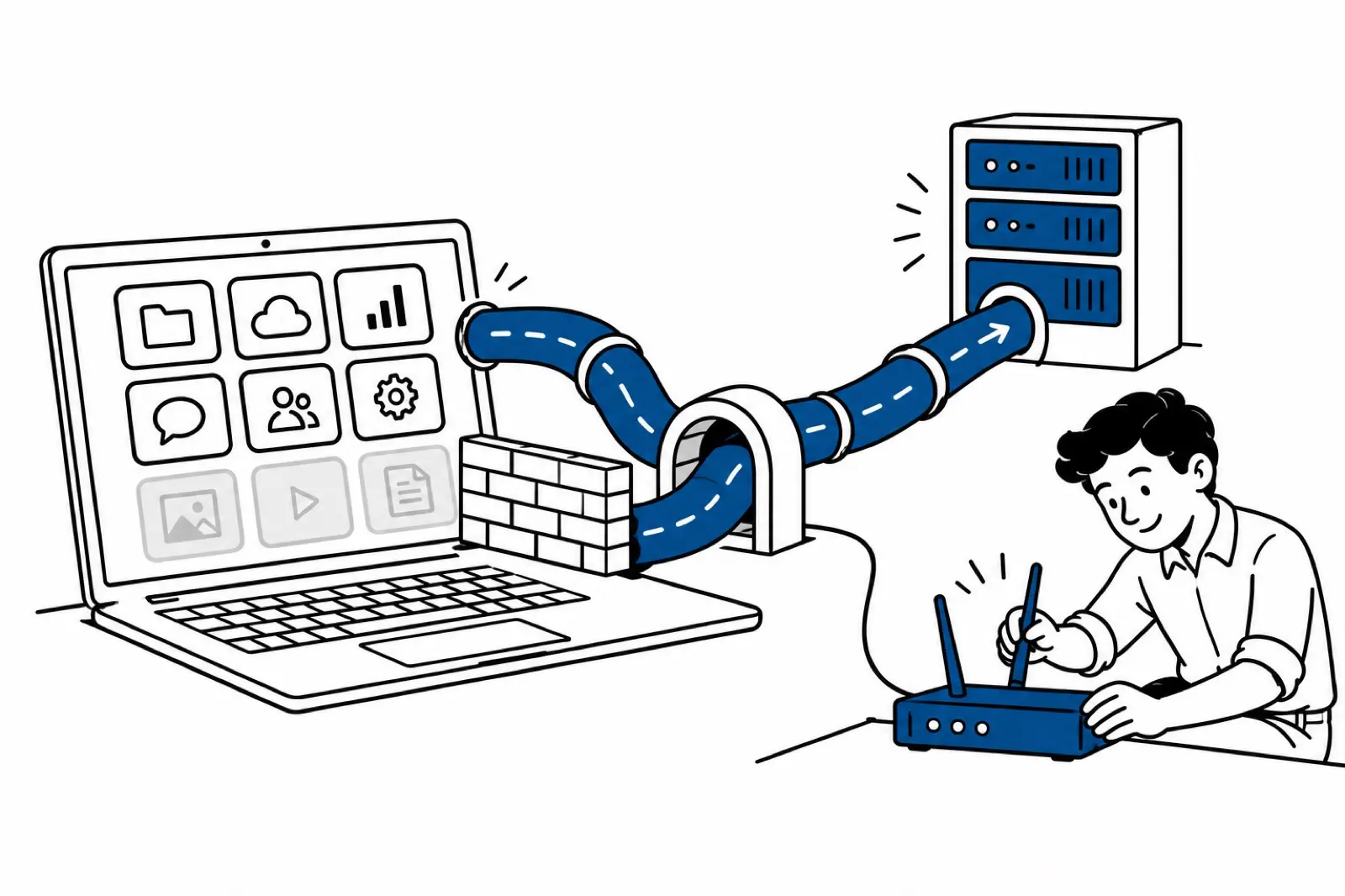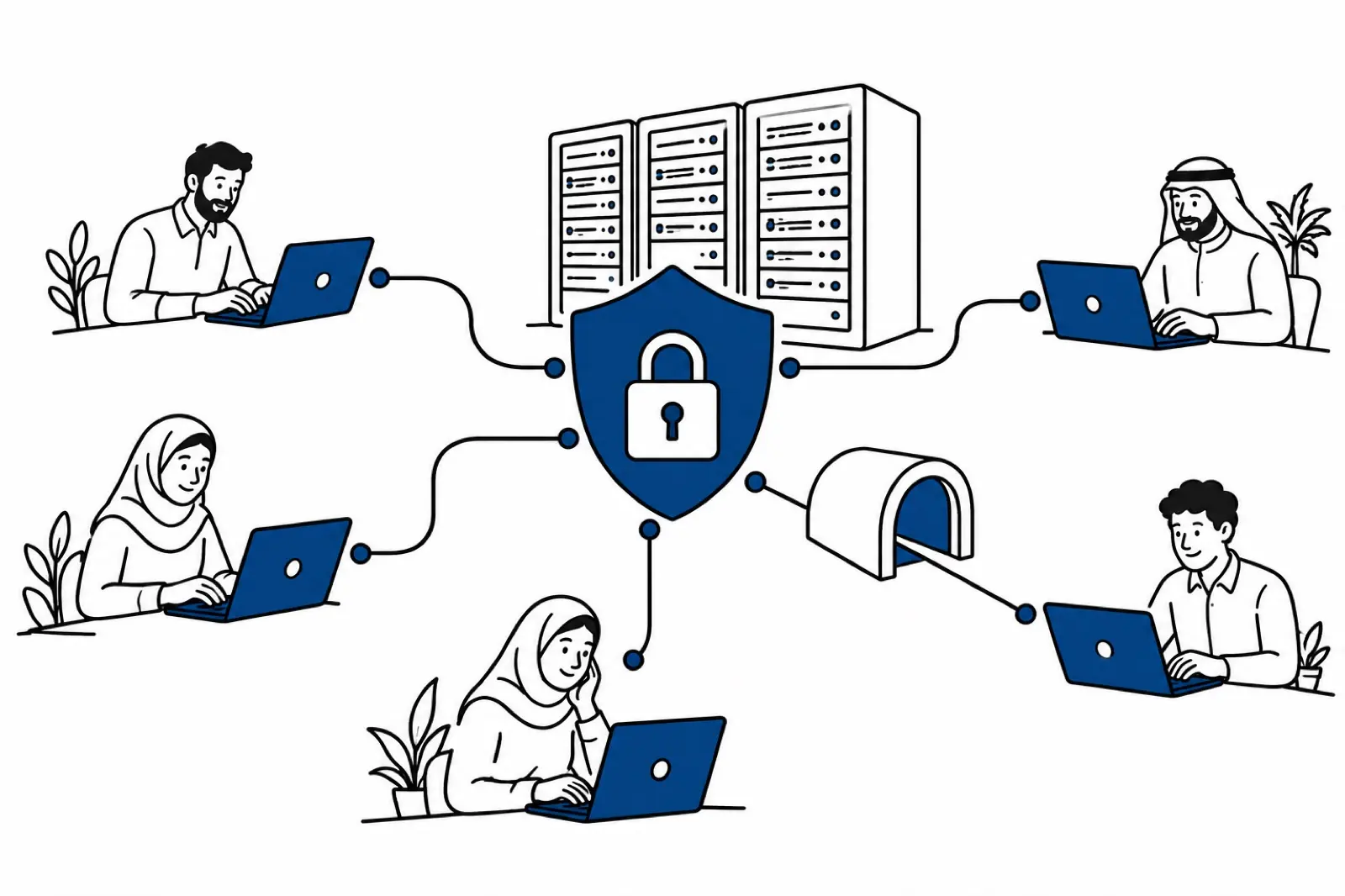
Zero-touch onboarding sets up a new employee’s accounts, tools and security access without an IT person clicking through a checklist for each hire.
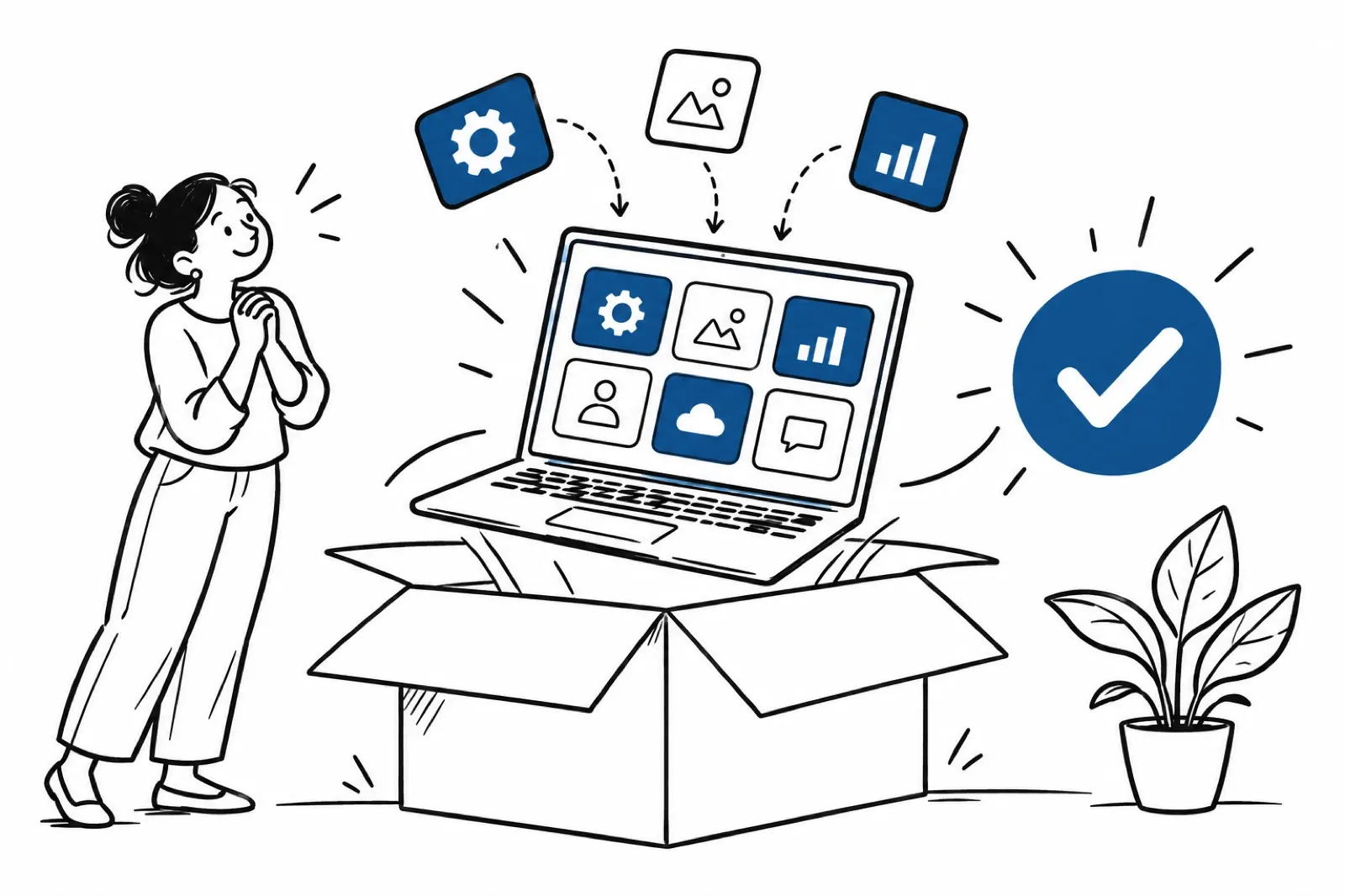
The result is specific. A remote hire’s own device becomes a work-ready machine in minutes, the first time they sign in, through cloud provisioning.
Picture a marketing agency hiring a designer in Syria. At first login, Adobe Creative Cloud is granted, a corporate VPN is on the machine, and Slack is already synced. Nobody couriers a laptop. Nobody waits on a ticket titled “new starter”.
Virtual onboarding is the human side: the contract, the manager, the first task. Zero-touch is only the technical side. Mix them up and you get a warm welcome on a locked laptop.
In the Middle East, where shipping hardware often fails, this automation is how day-one work happens at all. The service is managed IT operations.
Who actually needs this
Manual setup becomes a growth bottleneck as soon as you hire faster than your IT desk can type. You should automate IT onboarding if you recognise your team in one of these situations.
Startups hiring remotely, where a 3-day delay on accounts is a competitive loss. The rest of the market is not waiting for your image to finish installing.
Distributed teams in Syria, Lebanon or Turkey, where shipping a company laptop is slow, expensive, or simply not realistic. The device is already in the house. Use it, properly.
Enterprises whose IT queue is already full of identity and access requests. At that volume, heroics do not scale. A script does.
Security-led organisations that will not grant access until the device has passed a check. That is zero trust applied to day one: no access before the audit, and no exceptions because someone is “starting Monday”.
Speed is the obvious gain. Sameness is the larger one.
Moving off manual setup changes the economics of a new hire. It also removes the quiet errors.
The person is work-ready in minutes, not after an IT ticket sits in a queue. We do not hang that claim on an unnamed industry percentage. The comparison we use is the one operators feel: first login, versus a multi-day wait while someone images a machine.
Manual setups drift. One hire gets the patch, the next does not, and six months later you cannot say what “standard” means. Automation gives every professional the same security patches and the same software versions. Boredom does not skip a step. A script has no Friday afternoon.
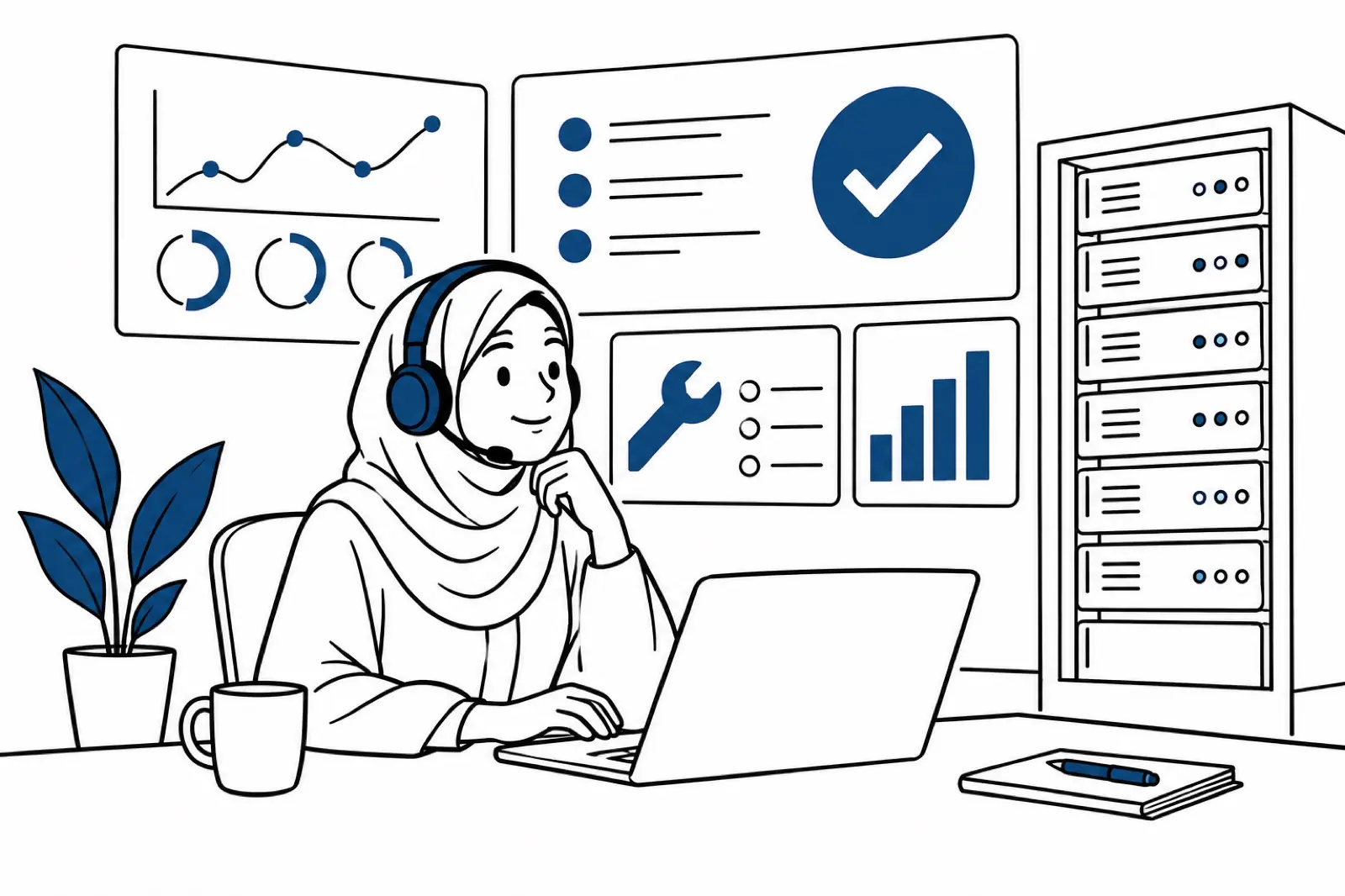
One IT manager can cover a fast-growing headcount when access provisioning runs on its own. The people who remain do exceptions and incidents, which is the work that actually needs them.
What the script does, in order
Remotya runs this as Managed BYOD. The professional keeps their machine. We put a controlled layer on it. The sequence is scripted, not heroic.
The identity appears when the contract is signed
The moment the contract is final, the system creates a digital identity mapped to the role. Permissions sync across the company’s tools: GitHub for a developer, HubSpot for sales, and the rest of that role’s stack.
Nobody files a ticket named “please add Sara”. If the contract is signed and the accounts are not there, the automation failed, and we treat it as an incident, not as a normal Tuesday.
The device is checked before any client data moves
Before sensitive data is reachable, an agent runs a silent audit. It confirms disk encryption, looks for operating-system gaps, and installs multi-factor authentication.
Fail the check, and access stays closed. That gate is the centre of zero-trust onboarding. A policy PDF that says “please enable MFA” is not a control. A script that refuses the login is.
Software lands in a workspace that is not their photo folder
We do not ask the hire to install twelve apps from a wiki page. Scripts deploy the stack. Company data sits encrypted, separated from personal files. Call it virtual containerisation if you need a name. The point is simpler: your files are not mixed into their private life, and their private life is not backed up into your tenant.
That boundary matters the day they leave, and it matters the day a family member borrows the laptop.
Five checks, or it is not automated
Technical leads implementing this should be able to point at five things. If one is a spreadsheet someone updates by hand, you are still manual.
- Directory sync: HR records and the identity provider update together, not a week apart.
- Role-based access: a permission set for every department, decided before the hire, not during the panic of Monday morning.
- Security baseline: encryption and multi-factor authentication deployed by script, every time.
- Managed BYOD: a hard boundary between personal data and company data.
- Logs: an audit trail you can read when something goes wrong, including who had access on a given Tuesday.
Predictive auditing sounds grand. In practice it means you can answer a client security question without reconstructing the month from Slack.
Global tools assume a stable plug. This region does not.
The Middle East has operational facts that a default SaaS onboarding flow ignores. Intermittent power in Lebanon. Uneven internet speeds. Regional logistics that make “we’ll ship the MacBook” a month-long plan.
Automate the backup, not only the apps
Remotya’s protocol includes an operational audit. We do not only push software. The check looks for power redundancy, a UPS, and a second internet path.
In a region where downtime is ordinary, the backup plan has to be part of onboarding. Otherwise day one is a coin flip, and your automation installed Slack on a machine that will be dark at 2pm. The wider control set is covered in infrastructure and cybersecurity for remote teams.
Leaving should be as fast as joining
Forgotten permissions are how intellectual property walks out of a company that thought it was careful. When a professional leaves, offboarding automation revokes access in one action, the same way onboarding granted it.
High-growth markets with more operational risk need that speed more, not less. A graceful “we’ll disable accounts this week” is a gap.
The human half of the first weeks still has to happen. Pair the device work with the virtual onboarding process, or you will have a secure laptop and a hire who does not know what to do with it.
Automate the layer that breaks when you scale
Manual remote support does not survive a hiring spurt. If you want speed, and you want the access list to be true on any given day, automate the technical layer.
Remotya provides that layer for teams hiring in the Middle East: the device setup, the security checks, and the decision not to ship hardware across borders. Leadership can then spend time on the work, not on password resets for people who started yesterday.
Book a discovery call if you want this mapped to the roles you are hiring this quarter. Bring the current access checklist. We will mark what a script should own, and what still needs a person.
Questions readers ask
Does zero-touch onboarding require us to ship company laptops?
No. Under Managed BYOD, Remotya sets up the professional's existing device and creates an encrypted workspace. You skip international shipping.
Is automated onboarding more expensive?
There is a setup phase. After that you stop paying for idle first weeks and for a large team that only reacts to access tickets.
How does this differ from HR onboarding?
HR onboarding covers culture and training. IT onboarding automation covers infrastructure. One explains how the team works. The other hands over a machine that can do the work.